
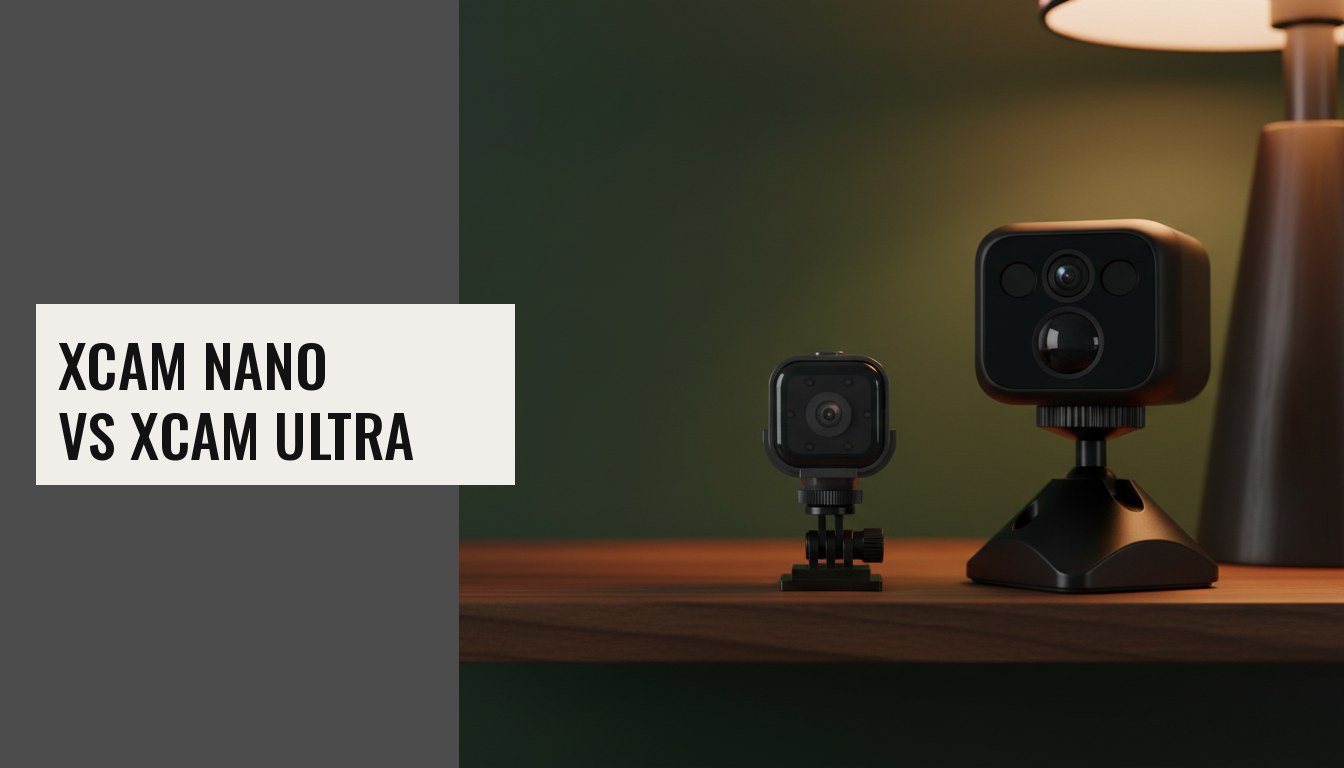
The XCAM Nano and XCAM Ultra are the two XCAMs people buy most, and they are often compared. They look like two sizes of the same camera, but they are built for different jobs. The short version: the Nano is a small, low-cost camera for checking in; the Ultra is the one you buy to be told when something happens.
Side by side
| XCAM Nano | XCAM Ultra | |
|---|---|---|
| Price | $44.99 | $78.99 |
| Resolution | 1080P | 1296P (about 44% more pixels) |
| Size / weight | 40 × 35 × 35 mm, 39g | 42.5 × 44.5 × 53.5 mm, 71.3g |
| Battery | 960mAh | 1400mAh |
| Best-case battery | Up to 45 days standby in sleep mode (motion alerts off) | About 8 hours continuous; very low standby draw (about 5mA) |
| Motion detection | Pixel-based: reacts to any change in the picture | PIR heat sensor: reacts to a moving warm body |
| Tells people from pets? | No | Better at it: shadows and light changes are mostly ignored, though a large pet close by can still trigger it |
| Night vision | Infrared LEDs you switch on in the app or schedule | 940nm invisible infrared, switches automatically |
| Lens | Wide angle | 135° |
| microSD | Up to 32GB | Up to 256GB |
| Audio | Two-way talk | Built-in microphone |
| App | iWFCam | O-KAM Pro (account-based, easy family sharing) |
| Recharge | About 5 hours | About 3.5 hours |
The real difference: standby vs alerts
This is the part most comparisons get wrong. The Nano's headline 45-day standby only applies in sleep mode, and in sleep mode motion alerts are off. The camera dozes until you open the app to look. Switch sleep mode off and you get alerts, but battery life drops from weeks to hours. So on battery the Nano is either a camera you check in on or a camera that alerts you, not both. Plugged into USB power, it can do both indefinitely.
The Ultra's PIR sensor changes that. A passive-infrared sensor uses almost no power while it waits, and it wakes the camera when a warm body moves through the scene. So the Ultra is designed to sit waiting and still alert you. It also triggers on the thing you actually care about, a person moving, rather than a curtain or a shaft of sunlight. Read more in PIR vs pixel motion detection.
Choose the XCAM Nano if…
- You want to check in: a glance at the dog at lunchtime, a holiday home, a parcel on the porch.
- You'd like to talk through the camera. The Nano has two-way audio.
- Size matters. At 39g it sits almost anywhere, and the included swivel bracket and adhesive clip let you set the angle.
- You'll run it on USB power in one spot, where battery life stops mattering.
- Budget matters. It is $34 less.
Choose the XCAM Ultra if…
- You want alerts you can trust, with fewer false alarms from light and shadow.
- It will watch at night. The Ultra switches to infrared by itself, and 940nm produces no red glow, so it doesn't light up a bedroom or nursery or reflect in a window.
- You want detail: faces and text resolve better at 1296P.
- You want longer local recording on a card up to 256GB.
- Several people in the household need access. O-KAM Pro shares a camera by QR code.
What they have in common
Both record to a microSD card with no subscription (see do security cameras need a subscription?). Both run while charging. Both use 2.4GHz WiFi only. And both are best placed where you can see an entrance or the area you care about, not pointed at a window or a neighbour's property. Our placement guide has the details.
Still comparing? The XCAM comparison page lines up all eight models, and the Nano vs Cube guide covers the 4K wide-angle option.