
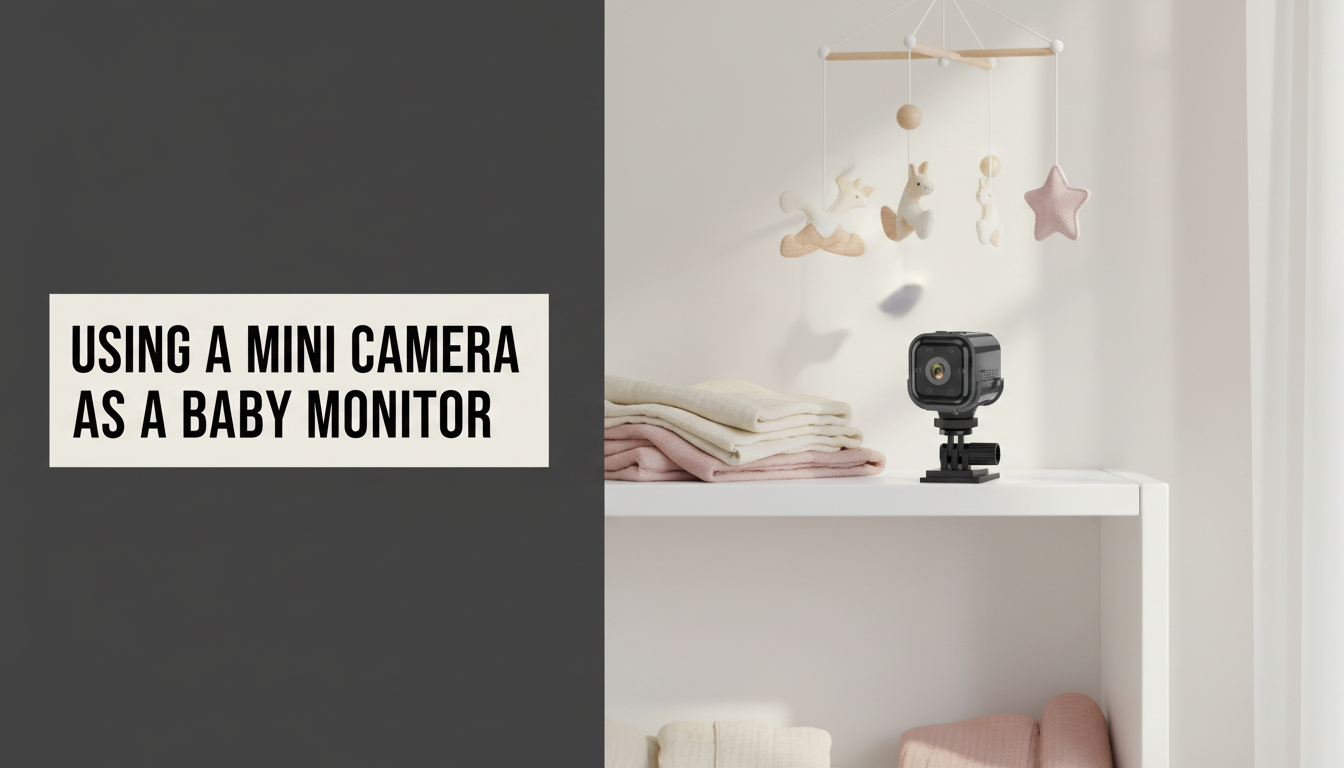
Purpose-built baby monitors are expensive and often locked to a proprietary app. A good mini security camera does the same job and keeps working long after the nursery years. There are three things worth getting right.
1. Alert quality decides whether you keep it on
A camera that pings you every time a shadow moves gets muted within a week, and a muted monitor is not a monitor. This is where motion sensitivity and camera placement matter. Most mini cameras — the XCAM Nano included — detect movement in the frame rather than telling a person apart from a curtain or a changing light level. Frame the cot so it fills most of the picture, keep windows and a turning mobile out of shot, then lower the sensitivity in the app until the alerts you get are ones you actually care about.
2. Cable safety is the non-negotiable
This is the one genuine safety issue and it is well documented: a camera cable within reach of a cot is a strangulation hazard. Regulators and paediatric safety bodies consistently advise keeping all cords at least a metre from the cot.
A battery camera helps enormously here, because it can sit across the room with no cable at all. If you do run it on USB power, route the cable well away from the cot and secure it — do not drape it over a rail.
3. Placement: see the whole cot, not a close-up of a face
The instinct is to get close. A wider view from further away is more useful: you can see whether the baby has rolled, kicked off a blanket or moved to a corner. Aim for a view that takes in the entire cot, positioned so nothing bright — a window, a lamp — sits directly behind it, which would silhouette the subject.
Night vision without a glow
Infrared lets the camera see in a completely dark room. Standard 850nm IR LEDs emit a faint red glow, which some babies find interesting enough to stare at. It is not harmful, but if it is a distraction, position the camera outside the direct line of sight.
Two-way audio is genuinely useful
Being able to speak into the room settles a baby surprisingly often without a trip upstairs. Check the camera has a speaker as well as a microphone — many cheap cameras have only a mic.
Keep it on your own network
A camera pointed at your child deserves basic security hygiene: change any default password, put the camera on a guest or IoT network segment if your router supports it, and prefer a camera that records locally to microSD rather than uploading to a third-party cloud by default. Every XCAM camera records to a card with no subscription, so footage stays in the house.
Choosing a model? See our buying guide and the notes on camera placement.