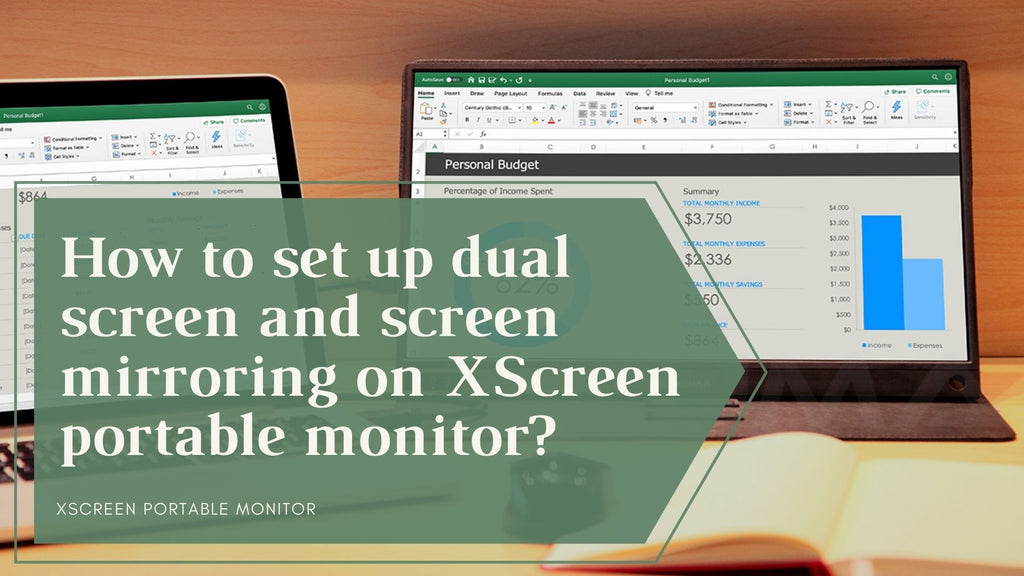
How to connect an XScreen portable monitor over USB-C, HDMI or wireless — cable requirements, power options and what to do when the screen stays blank.
You may want to change the settings of the wireless portable monitor when you complete the first time of setup. You can change the settings by the IP address (right bottom corner).
In recent years, dual monitor settings have become ubiquitous in the office. Many offices advocate equipping employees with dual monitors to improve work efficiency.


![[Android+PC] Wireless XScreen Air / Duo portable monitor connection guideline](http://www.lexuma.com/cdn/shop/articles/Wireless_XScreen_to_Android_1024x1024.jpg?v=1610507625)
![[Apple] Wireless XScreen Air / Duo portable monitor connection guideline](http://www.lexuma.com/cdn/shop/articles/Wireless_XScreen_to_Apple_1024x1024.jpg?v=1610507225)